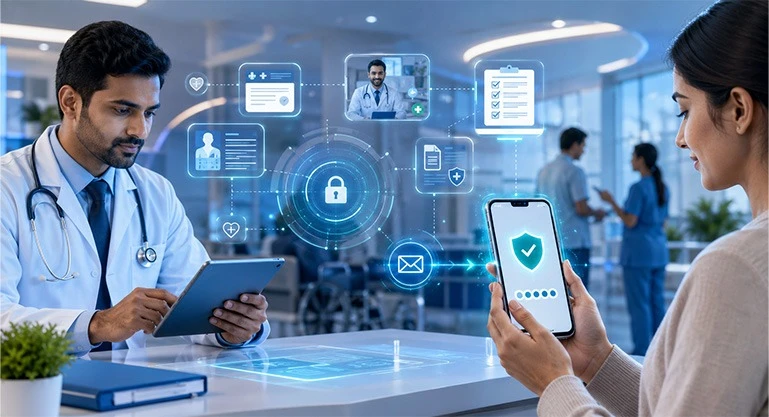
In today's digital era, the healthcare sector is rapidly shifting towards online services. Patients now book appointments online before visiting hospitals, view test reports on their mobile phones & consult doctors via telemedicine from the comfort of their homes.
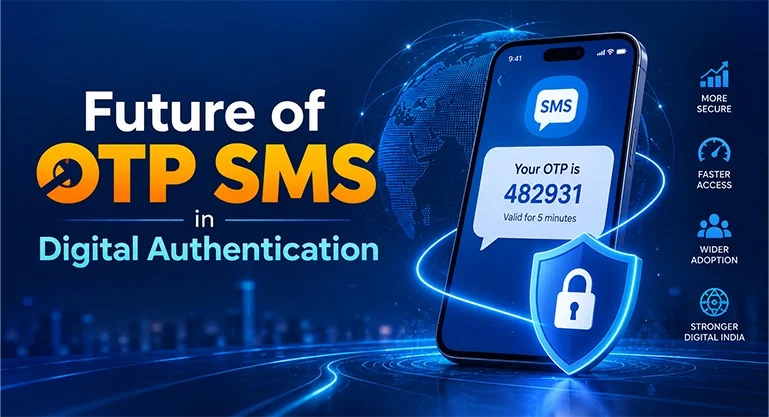
In this context, patient verification & data security pose the biggest challenges. This is where OTP SMS (One-Time Password) emerges as the most reliable solution.
If you operate a hospital, clinic, diagnostic center, health app or telemedicine platform, it is crucial to know when & under what circumstances OTP SMS should be used.
Why is OTP SMS Important in the Healthcare Industry?
In the healthcare sector, patients' personal & medical information is highly sensitive.
This includes
- Medical history
- Lab reports
- Doctor's prescriptions
- Health insurance details
- Payment-related information
If an unauthorized person gains access to this information, patient privacy could be compromised.
OTP SMS significantly reduces this risk.
When Should OTP SMS Be Used in the Healthcare Industry?
1. During New Patient Registration
When a patient creates an account on a hospital's website or mobile app for the first time, their mobile number can be verified by sending an OTP.
This minimizes the likelihood of fake accounts being created.
2. During Online Login
Relying solely on a password is no longer considered secure.
Adding OTP verification during the login process significantly enhances account security.
3. While booking a doctor's appointment
Often, people enter incorrect numbers or make fake bookings.
OTP verification ensures that the appointment is booked by the actual patient.
4. Before starting a telemedicine consultation
Verifying the patient's identity is essential before an online video consultation.
OTP usage ensures safety for both the doctor & the patient.
5. Before downloading lab reports
Blood test results, X-rays, MRIs & other medical reports are highly confidential.
Allowing report downloads only after OTP verification is a superior security measure.
6. During online payments
OTP provides an extra layer of security when paying hospital bills, test fees or consultation charges.
7. While changing or resetting a password
If a person forgets their password, their identity can be verified via OTP.
This keeps the account secure.
8. While accessing medical records
Electronic Health Records (EHR) contain a patient's complete medical history.
OTP should be used to ensure that only authorized individuals can access these records.
9. During the health insurance claim process
OTP is extremely useful for verifying insurance-related documents & claim requests.
10. While updating a patient's profile
If a patient changes their mobile number, email or address, confirmation via OTP is necessary.
Key benefits of OTP SMS in the healthcare sector
Enhanced security
OTP makes every login & transaction more secure.
Accurate patient identification
Only genuine patients can access the services.
Data privacy
Sensitive medical data remains secure.
Reduction in fraudulent activities
Fake registrations & spam bookings are minimized.
Improved user experience
Patients can access services quickly & securely.
Compliance with Regulations
OTP-based verification helps meet various standards & compliance requirements related to data security.
Key Considerations for Implementing OTP SMS in Healthcare
- Send OTPs only to registered mobile numbers.
- Set the OTP validity period to 2–5 minutes.
- Ensure each OTP is used only once.
- Set a limit on the number of failed attempts.
- Never expose the OTP via email or other public channels.
- Use a secure SMS gateway.
- Maintain secure logs of all OTP requests.
2 Real-World Use Cases for OTP SMS in the Healthcare Industry
Use Case 1 – Secure Appointment Booking in Multi-Specialty Hospitals
A large hospital implemented OTP-based mobile verification on its website & mobile app.
Now, patients:
- Create accounts by verifying their mobile numbers.
- Have their appointments confirmed only after OTP verification.
- This leads to a significant reduction in fake bookings.
- Doctors' time is utilized more efficiently.
Result:
The appointment process became more reliable & organized.
Use Case 2 – Report Security in Diagnostic Labs
A diagnostic center offers an online report download facility.
An OTP is sent to the patient's mobile before the report can be viewed.
The report is downloaded only after entering the OTP.
Outcome:
- Medical reports remain secure.
- Only the authorized patient can view the report.
- The risk of data leaks is significantly reduced.
Two Illustrative Case Studies of Healthcare OTP SMS
Case Study 1 – Digital Transformation of a Private Hospital
Problem
A private hospital was experiencing a large number of fake online registrations.
Consequences:
- Doctors' time was wasted.
- Appointment slots remained vacant.
- Patients faced long waiting times.
Solution
The hospital implemented OTP SMS verification for every new registration & appointment.
Outcome
- A significant reduction in fake accounts.
- An increase in the number of genuine patients.
- More effective appointment management.
- Increased patient trust.
Case Study 2 – Security for a Telemedicine Platform
Problem
On an online health platform, some users were attempting to log in using other people's information.
Solution
The platform implemented OTP authentication for logins, password resets & prior to video consultations.
Outcome
- Unauthorized login attempts decreased.
- Patient identity was verified.
- Sensitive medical data became more secure.
- The platform's credibility increased.
What to Consider When Choosing OTP SMS for Healthcare Businesses?
Consider the following factors when selecting an OTP SMS solution—
- Fast SMS delivery
- High delivery rate
- Secure API integration
- Easy system integration
- Scalable infrastructure
- Real-time delivery reports
- 24×7 technical support
- Reliable SMS gateway
Frequently Asked Questions
Its most important use is verifying patient identity, securing online logins & ensuring that only authorized individuals can access sensitive medical information.
Yes. OTP-based verification ensures that medical reports, prescriptions & other confidential information can be viewed only by verified users.
Absolutely. Small clinics, diagnostic centers, dental clinics & telemedicine startups can also use OTP SMS to make their digital services more secure.
Yes. Confirming appointments only after verifying the mobile number significantly reduces incidents of fake bookings & the submission of incorrect information.
Keep the OTP validity period short, send OTPs only to registered mobile numbers, use a secure SMS gateway, set limits on failed attempts & maintain secure records of all authentication activities.