Customer communication has changed over the years. Businesses no longer depend only on plain text messages to share updates, promote offers and connect with customers. They are exploring richer messaging formats that make communication more useful and engaging.
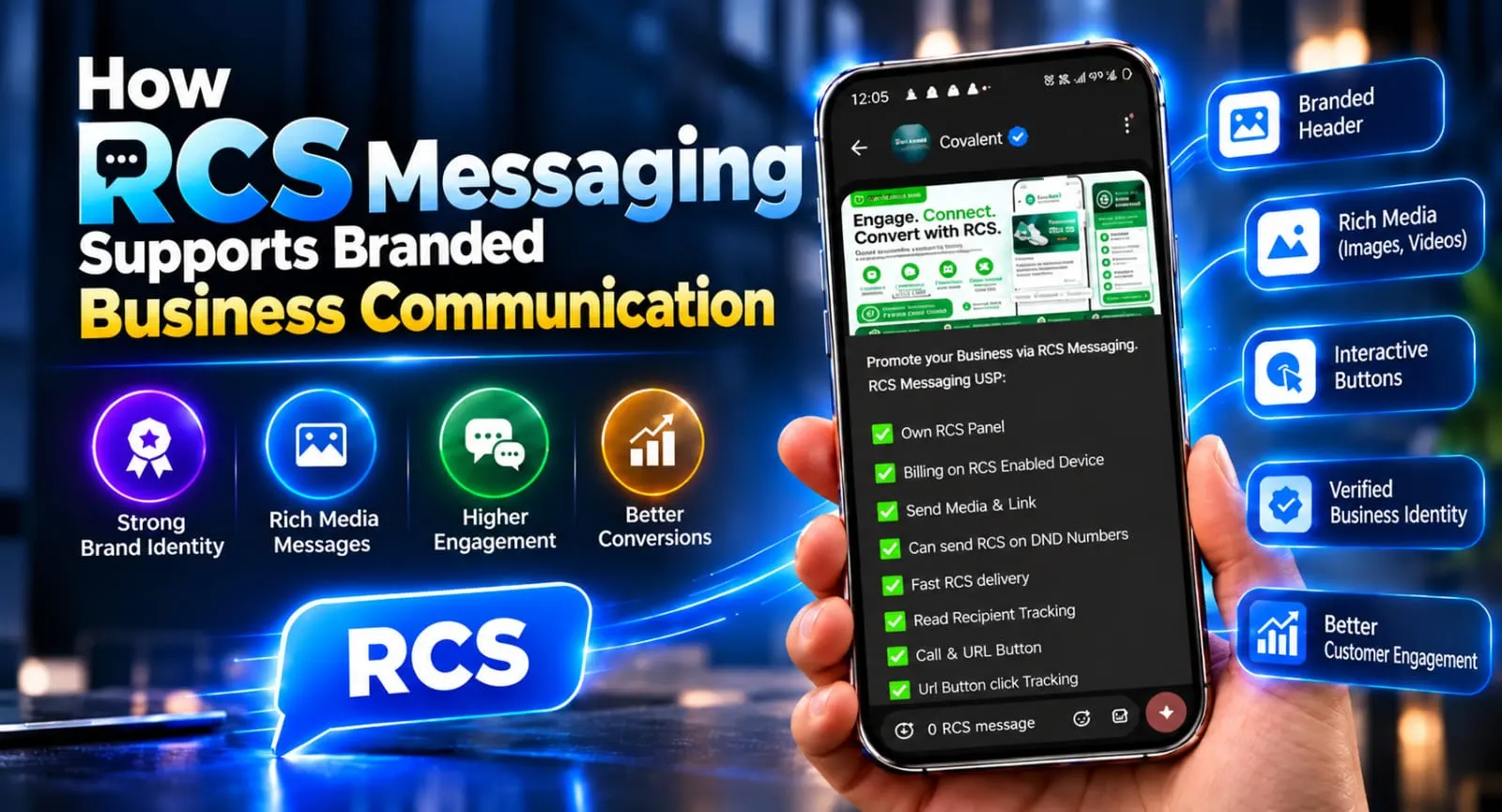
Rich Communication Services (RCS) allows businesses to send interactive messages with images, buttons, product information, carousels and suggested replies. These features give customers more ways to interact with a message directly from their messaging app.
For businesses, RCS creates opportunities to share information clearly and encourage customers to take action, such as visiting a website, exploring a product, booking an appointment, or completing a purchase.
What Are RCS Messages?
RCS stands for Rich Communication Services. It is an advanced messaging format designed to offer more features than traditional SMS.
While a standard SMS mainly contains plain text, RCS can support rich media and interactive elements. Depending on device, network and provider support, customers may receive branded messages with images, videos, buttons, product cards and other useful features.
Businesses can use RCS for:
- Product promotions and announcements.
- Order confirmations and delivery updates.
- Appointment reminders.
- Customer support.
- Payment notifications.
- Special offers and discount campaigns.
- Product recommendations.
RCS helps businesses present information in a more organised and interactive format.
Why Interactive RCS Messages Matter for Businesses
Customers receive many promotional messages every day. A message with unclear information or no useful next step may be ignored.
Interactive RCS messages can make communication easier by giving customers direct options within the message.
Here are some reasons businesses are adopting interactive RCS messaging.
1. Better Message Presentation
RCS supports images, rich cards and branded layouts. Businesses can use these features to present products, services and offers in a more attractive format.
2. Direct Customer Interaction
Buttons and suggested replies allow customers to respond or select an action without manually typing a message.
For example, a customer receiving an appointment reminder may be able to select Confirm, Reschedule, or Contact Us.
3. Easier Product Discovery
Businesses can display product images, descriptions, prices and links in rich cards or carousels. Customers can explore available options within the messaging experience.
4. Convenient Customer Journey
RCS can reduce the number of steps required to reach a business website, open a product page, or contact a support team.
5. More Useful Campaign Insights
Depending on the RCS provider and supported reporting features, businesses may be able to review delivery information, clicks, responses and other campaign activity.
These insights can help marketing teams understand how customers interact with their messages.
Important Elements of an Interactive RCS Message
A good RCS message should provide useful information and make the next step clear. Businesses should choose interactive elements according to the purpose of their communication.
1. Rich Cards
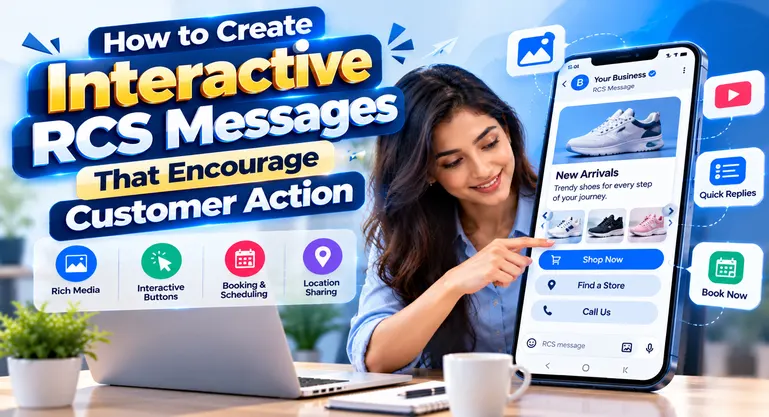
Rich cards combine text, images and action buttons in one message. They are useful for product promotions, service announcements and event invitations.
For example, an online clothing store can share an image of a new collection with a short description and a Shop Now button.
2. Carousels
Carousels allow businesses to display multiple cards in a horizontally scrollable format.
They are useful when customers need to compare products, explore different services, or view several offers in one message.
3. Suggested Replies
Suggested replies provide ready-made response options. Customers can select an option instead of typing a response.
A travel company, for example, may offer options such as View Packages, Request a Callback and Contact Support.
4. Action Buttons
Action buttons guide customers towards a specific activity. Common examples include:
- Shop Now
- Book Appointment
- Track Order
- View Details
- Call Now
- Visit Website
- Get Directions
Each button should lead to a relevant destination or action.
5. Business Branding
Supported RCS business messaging experiences can display business branding and sender information. This helps customers recognise the organisation sending the communication.
Businesses should use accurate brand details and follow the verification and registration requirements of their RCS provider.
How to Create RCS Messages That Encourage Customer Action
Creating an interactive message requires planning. Adding several images and buttons does not automatically make a campaign effective. Every element should have a clear purpose.
1. Decide the Main Campaign Objective
Start by identifying what you want customers to do after receiving the message.
Your objective could be:
- Purchase a product.
- Register for an event.
- Book an appointment.
- Visit a website.
- Track an order.
- Contact customer support.
Keep one primary objective for each message. This makes the communication easier to understand.
2. Understand Your Target Audience
Different customers respond to different types of communication. A retail customer may be interested in product offers, while an existing customer may prefer order updates or service reminders.
Divide your audience into relevant groups and prepare messages according to their interests, previous interactions and communication requirements.
3. Write a Clear and Relevant Message
Use simple language to explain the offer or information. Avoid unnecessary details that make the message difficult to read.
For example:
New Collection Available!
Explore our latest arrivals and find products that match your style.
Button: Shop Now
The message communicates the offer and gives customers a direct next step.
4. Select the Right Interactive Format
Choose the format that suits your campaign.
- Use a rich card to promote one product or service.
- Use a carousel to display multiple products.
- Use suggested replies for customer choices.
- Use action buttons to guide customers to a specific activity.
- Use images to make product and service information easier to understand.
Do not add interactive elements simply to make the message look more complex.
5. Create a Strong Call to Action
A call to action tells customers what they can do next.
Use short and specific button labels such as Book Now, View Offer, Track Order, or Get Quote.
The action should match the message. If you are promoting a product, the button should take customers to the relevant product page rather than a general homepage.
6. Personalise Messages Where Relevant
Personalisation can make communication more relevant. Businesses may use customer names, order details, product preferences, or appointment information when they have the appropriate data and permission.
For example, an order update can include the order reference and a Track Order button.
Always handle customer information responsibly and follow applicable privacy and messaging requirements.
7. Test the Message Before Sending
Before launching a campaign, check the message layout, images, links, buttons and suggested replies.
Also test how the message appears on supported devices and confirm that the intended action works correctly.
RCS availability depends on device, messaging application, carrier, region and provider support. Businesses should plan an appropriate SMS fallback where available.
Best Practices for Interactive RCS Campaigns
Businesses can improve their messaging campaigns by following a few practical guidelines.
- Keep the message focused: Share the most important information first and avoid unnecessary text.
- Use suitable images: Select clear images that represent the product, service, or offer accurately.
- Choose meaningful buttons: Each button should provide a useful next step.
- Segment your audience: Send relevant messages to customers based on their interests and relationship with the business.
- Avoid excessive messaging: Too many promotional messages can reduce customer interest and lead to opt-outs.
- Use suitable timing: Send campaigns when customers are more likely to read and respond to them.
- Measure campaign activity: Review available delivery, click, response and conversion data to understand performance.
- Respect customer preferences: Obtain appropriate consent and follow applicable messaging regulations and opt-out requirements.
Use Cases of Interactive RCS Messaging
Use Case 1: Retail and E-commerce Product Promotions
An online retail business wants to introduce a new product collection to its customers.
Instead of sending a plain text message with a website link, the business creates an RCS carousel containing product images, short descriptions and individual Shop Now buttons.
Customers can browse the available products and select the items they want to explore.
This approach makes product discovery more convenient and gives customers a direct path to relevant product pages.
Use Case 2: Appointment Booking and Reminders
A healthcare appointment service wants to reduce missed appointments and make confirmations easier.
It sends RCS reminders containing the appointment date, time and location. The message includes Confirm Appointment, Reschedule and Contact Us options.
Customers can select the action that suits them.
This helps simplify appointment communication and reduces the need for customers to search for contact details or manually write a response.
Case Studies: How Businesses Can Use Interactive RCS
The following case studies are illustrative examples created to explain possible RCS applications. They do not represent verified customer projects or actual campaign results.
Case Study 1: A Fashion Retailer Promotes a Seasonal Collection
The Challenge
A fashion retailer wanted to introduce its seasonal collection to existing customers. Its promotional messages mainly contained text and website links, making it difficult to showcase multiple products in one communication.
The Approach
The retailer planned an RCS campaign with a carousel of product images, short descriptions and individual shopping buttons. The message was sent to an appropriate customer segment.
The Expected Benefit
Customers could browse different products directly within the messaging experience and visit the relevant product pages. The retailer could also review available campaign interaction data.
Case Study 2: An Educational Institute Promotes Course Enrolments
The Challenge
An educational institute wanted to inform prospective students about its upcoming courses and make it easier for them to request information.
The Approach
The institute created an RCS message with course details, relevant images and action buttons such as View Courses, Download Brochure and Request a Callback.
The Expected Benefit
Prospective students could explore course information and choose their preferred next step without searching through multiple pages or manually composing a message.
How Text SMS Helps Businesses With RCS Messaging
Choosing a suitable messaging solution is an important part of running an RCS campaign. Businesses need a way to prepare messages, manage communication and reach customers through supported messaging channels.
Text SMS provides business messaging solutions for organisations that want to improve their customer communication. Its services include Bulk SMS, OTP SMS, RCS messaging, SMS API and DLT-related solutions.
With RCS messaging, businesses can explore richer communication formats for promotional campaigns, customer updates, product information and service notifications.
By combining relevant content, useful interactive elements and clear calls to action, businesses can create messaging experiences that make it easier for customers to respond.
To learn more about business messaging solutions, visit Text SMS.
Frequently Asked Questions
RCS messages can include rich cards, images, carousels, suggested replies and action buttons that allow customers to interact with the message.
Yes. Businesses can add action buttons such as Shop Now, Book Appointment, Track Order and Visit Website, depending on the supported RCS format.
RCS supports rich media and interactive features that standard SMS does not. However, availability depends on device and network support, so SMS remains useful as a fallback.
Retail, e-commerce, banking, education, travel, healthcare appointment services and many other businesses can use RCS for suitable customer communication.
Text SMS offers RCS messaging along with Bulk SMS, OTP SMS, SMS API and other business messaging solutions.